01
Trace and max hold
Compare the current settled spectrum with the strongest level observed at every frequency.
Touchstone-Pro turns an attached RF Explorer or RTL-SDR into a browser-operated spectrum analyzer for finding transmitters, exposing intermittent interference, and studying RF activity over time.
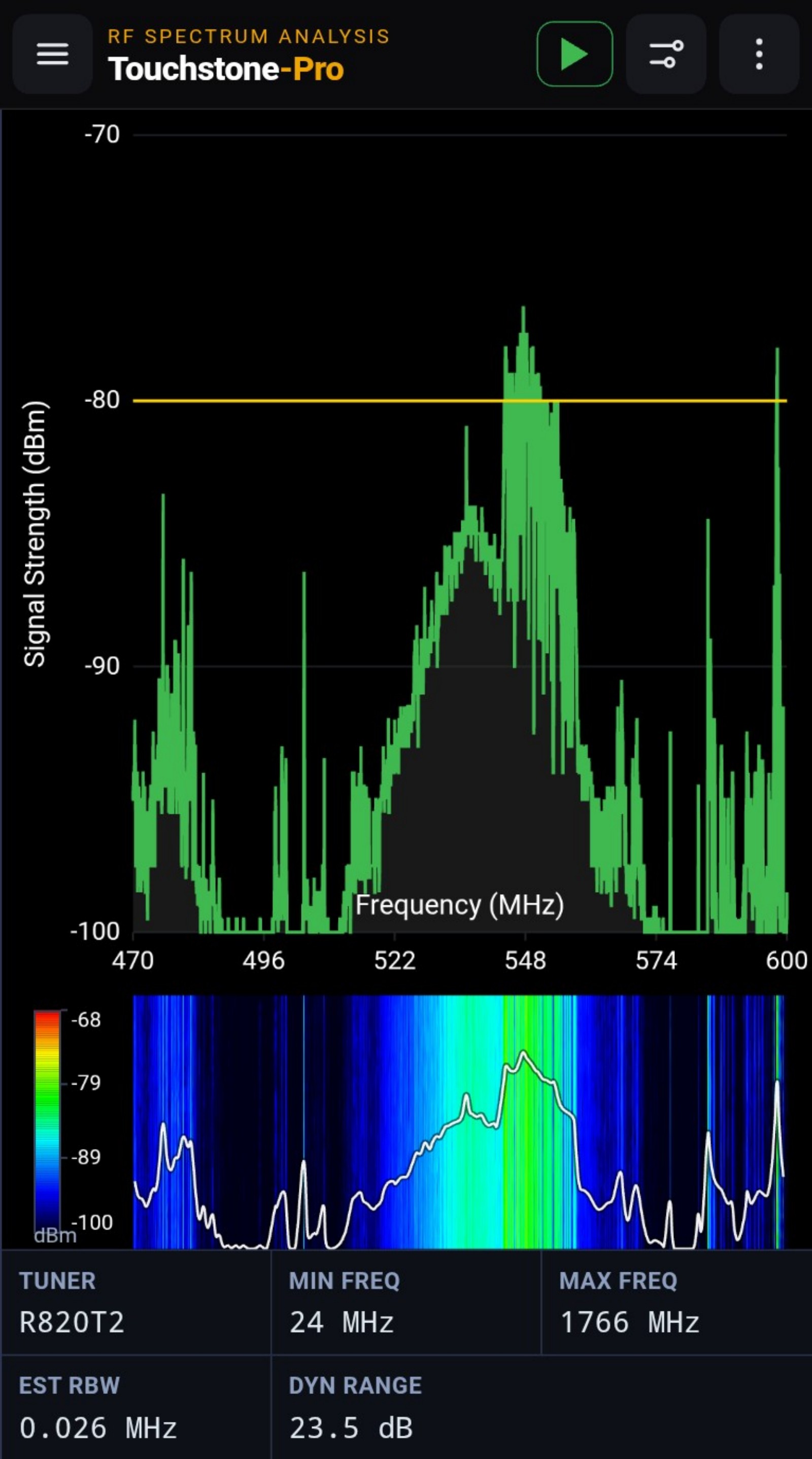
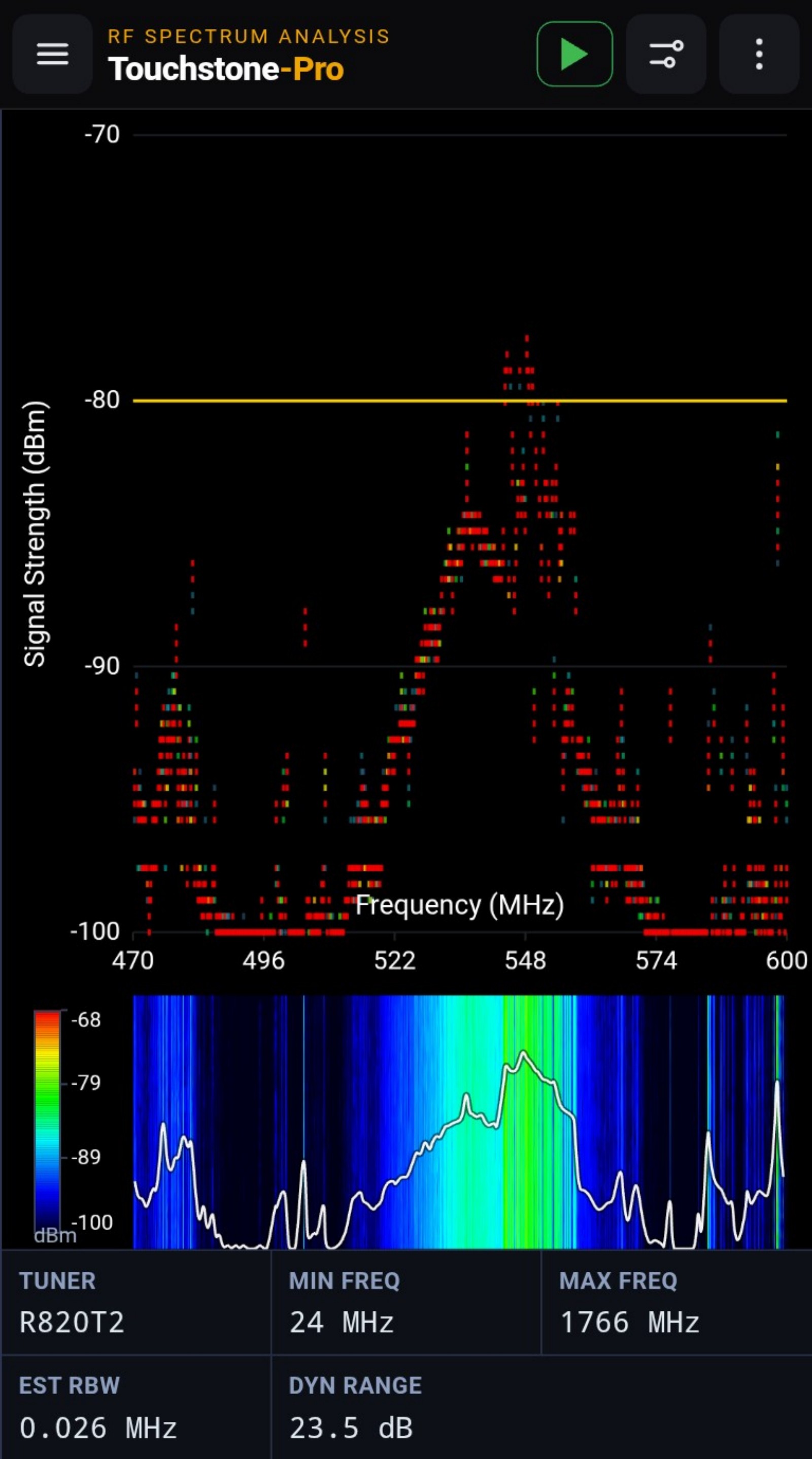
Touchstone-Pro continuously sweeps a selected frequency range and aligns a settled spectrum trace with a scrolling waterfall. Max hold, density, threshold, markers, and peak detection expose different aspects of the same RF environment.
Adjust the span for a broad survey or a close inspection. With RF Explorer, retune-and-stitch scanning can cover wider ranges while high-resolution mode targets approximately 25 kHz spacing for detailed wireless-audio work.
EXPLORE THE RELATED DESKTOP PRODUCT ↗Each view answers a different question—from “what is strongest?” to “what only appears occasionally?” and “which frequencies remain clear?”
Compare the current settled spectrum with the strongest level observed at every frequency.
Read RF activity across time or as a persistence map that highlights recurring energy.
Separate occupied from clear spectrum and automatically call attention to significant signals.
Use RF Explorer for calibrated amplitudes or RTL-SDR for economical relative measurements.
Set start and stop frequencies appropriate to the device, band, or interference under study.
Apply max hold, density, threshold, SNR, or peak detection to emphasize the behavior that matters.
Place frequency markers and export a completed trace for reporting or further analysis.
The instrument can move from a classic analyzer trace to time and persistence views without changing receivers or workflows.
Touchstone-Pro brings wideband spectrum analysis to the same portable appliance and browser used by the rest of the Wireless Toolbox diagnostics.